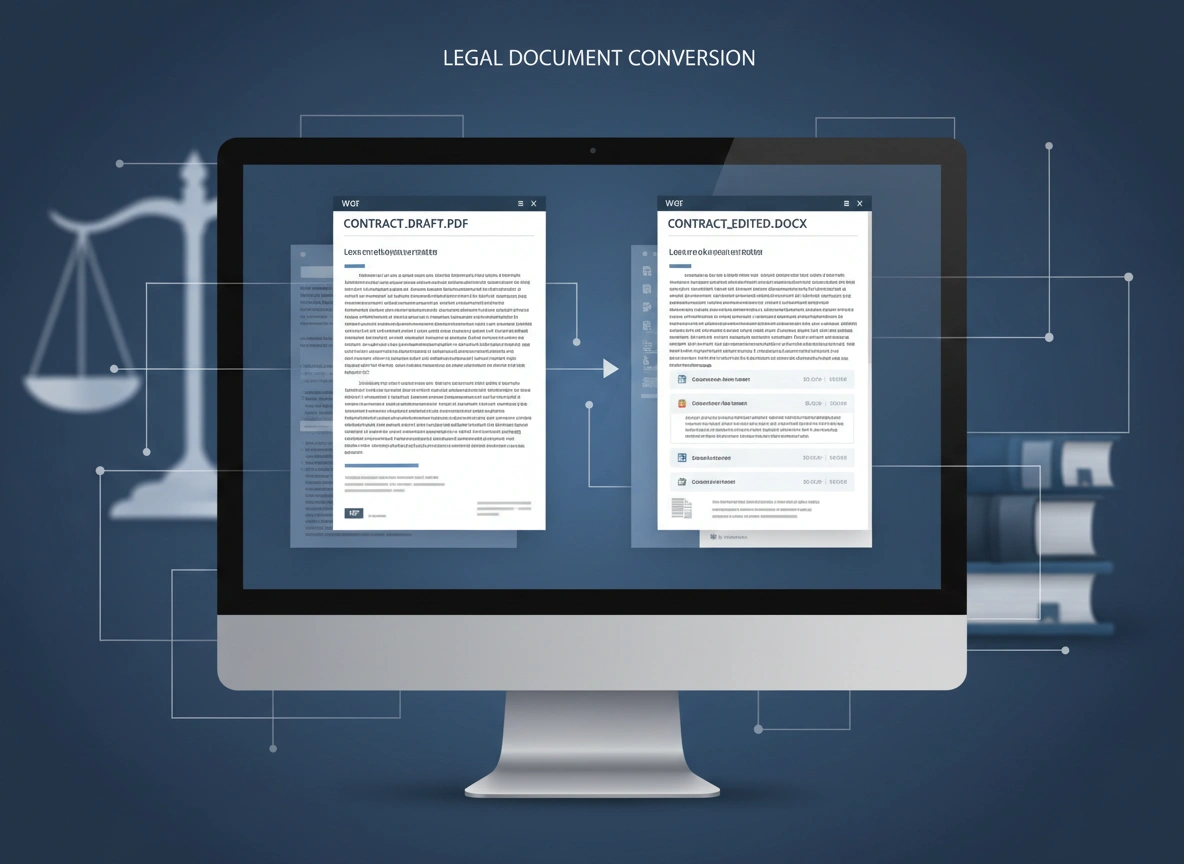
The legal industry runs on documentation. Contracts, pleadings, affidavits, and discovery materials form the backbone of every case, transaction, and legal proceeding. The accuracy, integrity, and accessibility of these documents are paramount. While the Portable Document Format (PDF) has become a standard for sharing and archiving final versions, its static nature presents significant hurdles in the dynamic environment of legal work. This is where the process of PDF to Word conversion becomes not just a convenience, but a critical component of modern legal practice.
Effectively managing document workflows is essential for law firms and corporate legal departments aiming to maintain efficiency and precision. The ability to seamlessly convert PDFs into editable Microsoft Word files underpins this effort, enabling legal professionals to adapt, collaborate, and comply with rigorous standards. Understanding the strategic importance of this conversion is key to optimizing legal operations and ensuring the highest quality of work.
The Challenge of PDFs in Legal Workflows
The PDF format was designed to be a universal standard for document presentation. It preserves formatting, fonts, and layout across different operating systems and devices, making it ideal for final drafts and court submissions. However, the very features that make PDFs reliable for presentation create challenges for day-to-day legal work.
Legal documents are rarely static. They evolve through negotiation, review, and amendment. A contract may go through dozens of revisions, a pleading may need to be amended based on new evidence, and discovery documents often require annotation and redaction. Working directly with PDFs in these scenarios is cumbersome and inefficient.
Key challenges include:
- Lack of Editability: Making substantive changes to a PDF requires specialized software and can often disrupt the original formatting. Simple tasks like correcting a typo, adding a clause, or updating a date become time-consuming endeavors.
- Collaboration Barriers: PDFs do not support real-time collaborative features like tracked changes or comments in the same intuitive way as Word documents. Circulating a PDF for feedback often results in a collection of separate, marked-up files or lengthy email chains detailing requested changes, creating a logistical nightmare for version control.
- Data Extraction Difficulties: Legal professionals frequently need to extract text or clauses from one document to reuse in another, such as pulling standard provisions from a template or quoting from a judicial opinion. Copying text from a PDF can result in formatting errors, broken lines, and extra spaces, requiring manual cleanup that introduces the risk of human error.
- Incompatibility with E-Discovery Tools: While many e-discovery platforms can process PDFs, indexing and searching scanned, image-based PDFs can be unreliable without first running them through Optical Character Recognition (OCR) software. Converting these files to a text-based format like Word ensures full searchability.
These challenges translate into lost billable hours, increased administrative burden, and a higher potential for costly errors.
Key Benefits of Converting PDFs to Word
Converting PDFs to editable Word documents directly addresses the format’s inherent limitations, unlocking significant benefits for legal professionals. This simple technical process enhances efficiency, collaboration, and overall document quality.
Unlocking Full Editability and Control
The most immediate benefit of conversion is gaining the ability to edit a document freely. In a Word document, legal teams can:
- Draft and Revise with Ease: Modify contract terms, update client information, and amend legal arguments without struggling against a restrictive format.
- Reuse and Repurpose Content: Effortlessly copy and paste clauses, definitions, and case citations into new documents, ensuring consistency and saving valuable time. Templates stored as PDFs can be quickly converted and customized for specific cases.
- Correct Scanned Document Errors: For documents that have been scanned to PDF, OCR technology during the conversion process can turn an image of text into actual, editable text. This allows for the correction of scanning artifacts or original typos that would be impossible to fix in an image-based PDF.
Streamlining Collaboration and Review
The practice of law is inherently collaborative. Converting documents to Word facilitates a more fluid and transparent review process. Word’s “Track Changes” feature is the industry standard for collaborative editing. It allows multiple parties—senior partners, associates, clients, and opposing counsel—to suggest edits, add comments, and see a complete history of revisions within a single document.
This centralized review process eliminates the confusion of managing multiple annotated PDFs. Everyone works from the same file, ensuring all feedback is captured and version control is maintained. This clarity is crucial during contract negotiations or when preparing a multi-author brief, as it provides a clear audit trail of every change made.
Ensuring Compliance and Accessibility
In many jurisdictions, courts have specific rules for document formatting, from font size and margins to line numbering. PDF to Word conversion allows legal teams to easily reformat documents to meet these precise requirements before submission.
Furthermore, accessibility is a growing concern. Converting documents to Word makes it easier to create files that are compliant with accessibility standards, ensuring that individuals using screen readers or other assistive technologies can access the content. This is not only a matter of ethical practice but also a legal requirement in many contexts.
Real-World Scenarios in Legal Practice
The need for PDF to Word conversion appears in numerous daily situations within a law firm or legal department.
- Contract Negotiation: A law firm receives a 50-page draft agreement from opposing counsel as a PDF. To propose amendments, the legal team converts the PDF to a Word document. They then use “Track Changes” to redline the agreement, adding new clauses, striking unfavorable language, and leaving comments to explain their reasoning. This clean, tracked version is then sent back for review, streamlining the negotiation process.
- Discovery and Document Review: During the discovery phase of litigation, a firm receives thousands of pages of documents from the opposing party, many of which are scanned PDFs. To make this information usable, the entire set is batch-converted to Word using an OCR-enabled tool. This makes the text searchable, allowing paralegals and associates to quickly find relevant keywords, names, and dates, drastically accelerating the review process.
- Updating Legal Templates: A corporate legal department maintains a library of standard agreements (e.g., NDAs, employment contracts) as master PDF files. When a new law is passed that requires changes to the standard language, the legal operations manager converts the relevant PDF templates to Word, makes the necessary updates, and then saves the new, compliant versions as master PDFs.
- Preparing Court Filings: An associate drafts a motion in Word. Before filing, it is saved as a PDF to lock the formatting. However, the judge’s clerk contacts the associate to request a minor change to the caption. Instead of re-typing portions, the associate quickly converts the PDF back to Word, makes the change in seconds, and generates a new PDF for filing.
Best Practices for PDF to Word Conversion
While conversion is powerful, the quality of the output depends on the tools and methods used. Following best practices ensures accuracy and maintains document integrity.
- Choose a High-Quality Conversion Tool: Not all converters are created equal. Professional-grade software is essential for legal work. Look for tools that specialize in maintaining complex formatting, including tables, columns, and legal numbering.
- Prioritize OCR for Scanned Documents: When dealing with scanned PDFs, use a converter with a powerful Optical Character Recognition (OCR) engine. This technology “reads” the text in the image and converts it into editable characters, which is fundamental for making scanned documents useful.
- Review the Converted Document: No conversion is perfect. Always perform a thorough review of the Word document, comparing it against the original PDF. Check for formatting shifts, incorrect character recognition (e.g., “l” mistaken for “1”), and missing elements. This quality control step is critical to prevent errors from entering a live document.
- Consider Document Security: Legal documents are highly confidential. Avoid using free, web-based conversion websites that may not have robust security protocols. Opt for desktop software or secure, enterprise-grade cloud solutions that guarantee the privacy of your data.
Conclusion: An Essential Process for the Modern Legal Professional
In the detail-oriented world of law, efficiency and accuracy are not just goals; they are requirements. The process of converting PDF documents to Word is a foundational element in achieving both. By transforming static, locked files into dynamic, editable documents, legal teams can enhance collaboration, accelerate drafting and review cycles, and ensure compliance with formatting and regulatory standards.
Embracing this capability allows legal professionals to move beyond the limitations of a presentation format and work with documents in a way that aligns with the fluid, iterative nature of their practice. Investing in reliable conversion tools and integrating this process into standard workflows is a strategic decision that pays dividends in reduced administrative overhead, improved work product quality, and a minimized risk of critical errors. It is a simple yet powerful step toward a more agile and effective legal practice.
Please vist this website for more info
