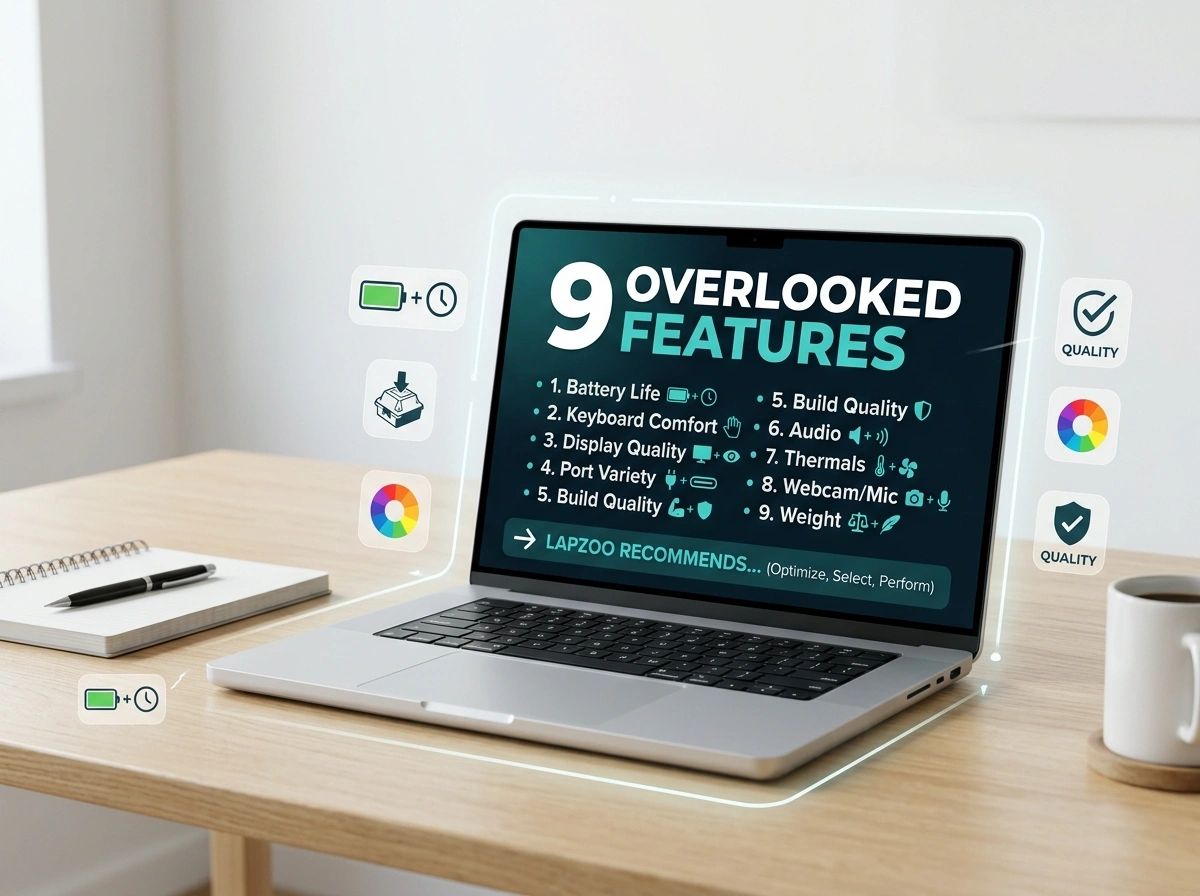
When you shop for a laptop, it’s easy to get pulled toward the big, flashy numbers. A fast processor, a high storage figure, a sleek design. These specs grab headlines, but they rarely tell the full story of how a laptop will actually feel to use every day.
The truth is, the features that make or break your experience are often the ones buried at the bottom of a spec sheet, or left out entirely. Below, we break down nine laptop features that most shoppers skip right past, why they matter, and what to look for instead.
1. Display Color Accuracy
Most people check screen resolution and stop there. A 1080p or 4K label feels like enough. But resolution only tells you how many pixels you have, not how good they look.
Color accuracy, measured by sRGB or DCI-P3 coverage, determines whether your photos, videos, and designs appear true to life. A screen with poor color coverage can make everything look washed out or oddly tinted.
What to look for instead: Aim for at least 100% sRGB coverage for general use. If you edit photos or video, look for displays that cover 90% or more of the DCI-P3 color space. Your eyes will thank you.
2. Keyboard Travel Depth
You’ll type on your laptop for hours, yet almost nobody checks the keyboard before buying. Key travel, the distance a key moves when pressed, has a huge impact on comfort and typing speed.
Ultra-thin laptops often sacrifice travel depth, leaving you with a flat, mushy feel that strains your fingers over long sessions.
What to look for instead: Look for keyboards with around 1.3mm to 1.5mm of travel. If you can, type on the laptop in person. A satisfying, springy keystroke makes a real difference during long work or study sessions.
3. RAM Upgradeability
A laptop with 8GB of RAM might feel fine today. But software keeps getting hungrier, and what works now may struggle in two years. Many shoppers don’t realize that a growing number of laptops solder their RAM directly to the motherboard.
When RAM is soldered, you’re stuck with whatever you bought on day one. No upgrades, ever.
What to look for instead: If you want a laptop that lasts, check whether the RAM is user-upgradeable. A model with an open memory slot lets you boost performance later for a fraction of the cost of a new machine. When in doubt, buy a little more RAM upfront.
4. Battery Watt-Hours
Manufacturers love to advertise “all-day battery life.” But those claims come from lab tests that rarely match real use. The number you should actually check is battery capacity, measured in watt-hours (Wh).
This figure tells you how much energy the battery actually holds, which is far more reliable than vague marketing promises.
What to look for instead: For solid all-day use, look for a battery in the range of 50Wh to 70Wh or higher. Pair that number with the laptop’s screen size and processor efficiency to get a realistic sense of how long it will truly last away from an outlet.
5. Port Selection
In the rush to make laptops thinner, many brands have trimmed away useful ports. Shoppers often discover this only after they get home and realize they need a fistful of dongles just to connect a monitor and a USB drive.
A missing HDMI port or a lack of USB-A connections can turn simple tasks into daily frustrations.
What to look for instead: Think about what you actually plug in. A good mix includes at least one USB-C port with charging support, a USB-A port, and an HDMI output. If you rely on memory cards, an SD reader is a bonus. Match the ports to your real-world devices.
6. Thermal Design
Two laptops can carry the same processor yet perform very differently. The reason is thermal design, the system of fans, heat pipes, and vents that keeps the chip cool.
A powerful processor in a poorly cooled chassis will throttle itself, slowing down to avoid overheating. That means you paid for speed you can’t actually use.
What to look for instead: Read reviews that test sustained performance, not just quick benchmark bursts. A laptop that stays cool and quiet under load will serve you far better than one that runs hot and loud. Good thermals also extend the life of your components.
7. Display Refresh Rate
For years, 60Hz was the standard, so most shoppers never think about refresh rate. But higher refresh rates, like 90Hz or 120Hz, make everything on screen feel smoother. Scrolling, animations, and cursor movement all look crisper and more fluid.
Once you’ve used a high refresh rate display, going back to 60Hz can feel sluggish.
What to look for instead: If your budget allows, choose a display with at least a 90Hz or 120Hz refresh rate. Gamers should aim even higher. For everyday browsing and work, the smoother motion reduces eye fatigue and simply feels more premium.
8. Storage Type and Speed
Shoppers often focus on storage size, comparing 256GB against 512GB, while ignoring the type of storage. Yet the difference between a slow drive and a fast one is dramatic.
A laptop with an older SATA SSD, or worse, a spinning hard drive, will boot slowly and lag when opening large files. A fast NVMe SSD transforms the entire experience.
What to look for instead: Always choose an NVMe SSD over a SATA drive or hard disk. The speed boost affects everything you do, from startup to launching apps. If you need more space later, a model with a spare drive slot gives you room to grow.
9. Build Material Quality
A laptop’s price often goes toward what you can see, like the screen and the badge on the lid. The materials holding it together get far less attention, even though they decide how well your laptop survives daily life.
Cheap plastic chassis flex, creak, and wear down quickly. A flimsy hinge is one of the most common points of failure.
What to look for instead: Aluminum or magnesium alloy bodies offer better durability and a more solid feel. Press on the keyboard deck and lid to check for flex. A sturdy hinge and a rigid frame protect your investment for years.
Shop Smarter, Not Flashier
The best laptop for you isn’t the one with the loudest spec sheet. It’s the one that fits the way you actually live and work. By paying attention to these nine overlooked features, you sidestep the regrets that catch so many buyers off guard.
Before your next purchase, slow down and dig past the headline numbers. Check the color accuracy, test the keyboard, confirm the ports, and read up on thermals. These small details add up to a laptop that feels great years after you bring it home.
For honest reviews and buying guides that focus on what truly matters, the team at lapzoo breaks down the specs that get overlooked so you can buy with confidence.
Spend a little more time on the features that matter, and you’ll spend far less time wishing you’d chosen differently.
