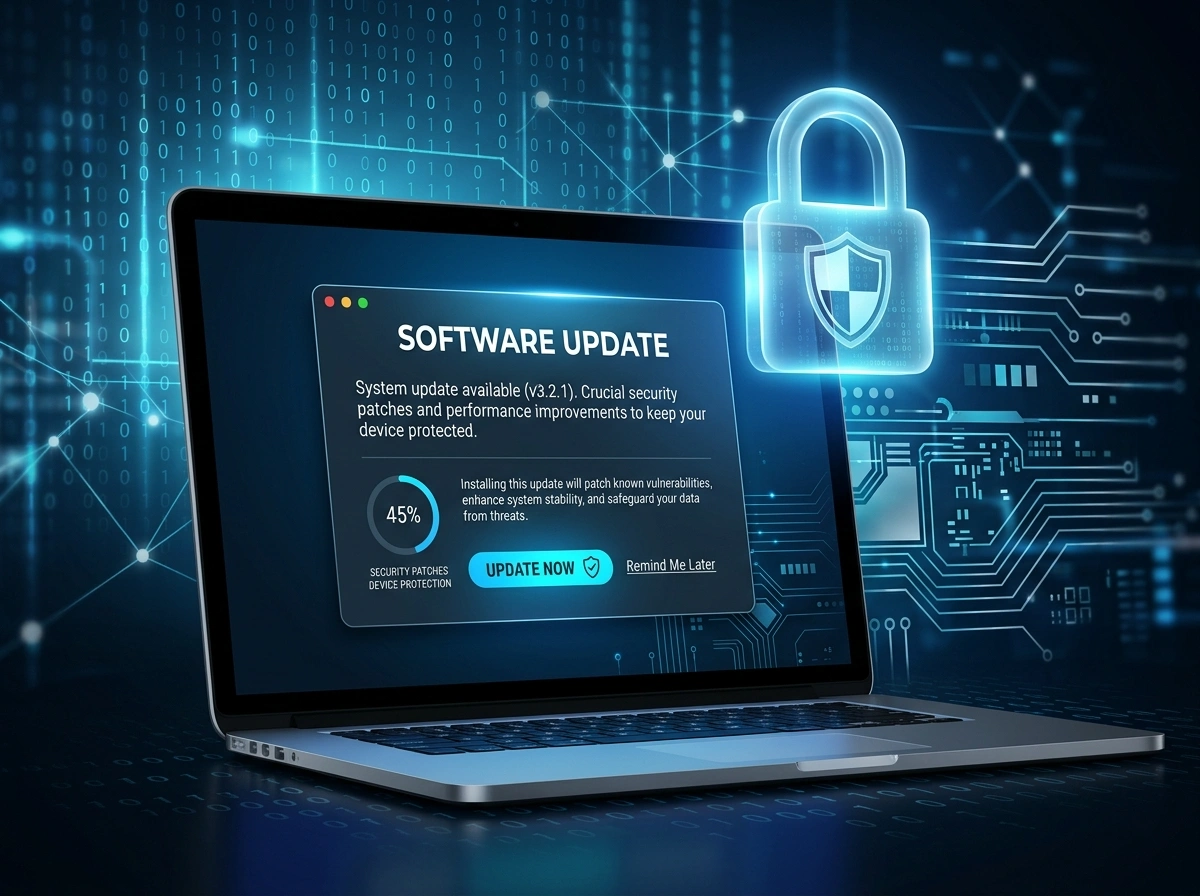
That little notification asking you to “update now” feels like an interruption. You’re in the middle of something important, so you click “remind me later.” We’ve all done it. But what looks like a minor annoyance is actually one of the most powerful security tools you own, and it costs you nothing.
Software updates do far more than add new emojis or tweak a button color. They quietly patch the cracks that hackers love to slip through. Below, we break down why staying current matters, what really happens when you ignore those prompts, and how to make updates a painless part of your routine.
What Software Updates Actually Do
Most people assume updates exist to introduce flashy features. Some do. But the most important updates are the ones working behind the scenes to keep you safe.
When developers release software, it ships with hidden flaws. Nobody intends this. Code is complex, and even the best engineers miss things. Over time, security researchers and, unfortunately, cybercriminals discover these weak spots. Once a flaw is known, the developer races to fix it and pushes out a patch through an update.
So every time you update, you’re closing a door that someone could otherwise walk through. Skip the update, and that door stays wide open.
Three Main Jobs of an Update
- Security patches: Fix vulnerabilities that hackers exploit.
- Bug fixes: Smooth out crashes, freezes, and glitches.
- Feature improvements: Add tools or boost performance.
The first item on that list is the one that protects your data, your money, and your privacy.
Common Vulnerabilities That Updates Fix
To understand why updates matter, it helps to know what they’re defending against. Cyber threats come in many shapes, and updates target the technical gaps that let them in.
Known Exploits
Once a vulnerability becomes public, it often gets a name and a tracking number. Hackers scan the internet looking for devices that haven’t patched it yet. These are easy targets because the fix already exists; the victims simply didn’t install it.
Zero-Day Threats
A “zero-day” is a flaw that attackers find before the developer does. When the company learns about it, they scramble to release an emergency patch. Installing that patch fast is the only way to protect yourself. Waiting even a few days can leave you exposed.
Malware and Ransomware Entry Points
Outdated software gives malware an easy ride. Ransomware, which locks your files and demands payment, frequently spreads through unpatched systems. A single missed update can be the difference between a normal day and a frozen computer with a ransom note on the screen.
The Real Risks of Ignoring Updates
Putting off updates feels harmless in the moment. The danger builds quietly, though, and the consequences can be serious.
Think about the data sitting on your devices: banking details, family photos, work documents, saved passwords. Outdated software makes all of it easier to steal. Cybercriminals don’t need to be geniuses; they just need to find someone who skipped a patch.
Beyond stolen data, you face other headaches:
- Identity theft when personal information leaks.
- Financial loss through fraud or ransom demands.
- Downtime if your device becomes unusable.
- Spreading infections to friends, family, or coworkers on your network.
For businesses, the stakes climb even higher. A breach can mean lost customers, legal trouble, and lasting damage to a reputation that took years to build. If you want a trusted partner to keep your systems locked down, the team at teck jb helps individuals and companies stay protected with proactive support.
The Different Types of Updates You Need
Not all updates are the same, and they don’t all come from one place. Knowing the categories helps you spot the ones you might be missing.
Operating System Updates
Your operating system, whether Windows, macOS, Android, or iOS, is the foundation of your device. OS updates are often the largest and most critical because they protect the core of how everything runs. These updates patch deep vulnerabilities that affect every app on the machine.
Application Updates
Every program you install, from your web browser to your photo editor, can carry its own security flaws. Browsers deserve special attention since they’re your main gateway to the internet. An outdated browser is a favorite hunting ground for attackers. Keep your apps current, especially the ones you use daily.
Firmware Updates
Firmware is the software baked into your hardware: routers, printers, smart home gadgets, and more. People forget about these because they hide in the background. Yet an outdated router can expose your entire home network. Check your router settings now and then to make sure its firmware is up to date.
Best Practices for Keeping Software Updated
Staying current doesn’t have to eat up your time. A few smart habits make the whole process nearly automatic.
Turn On Automatic Updates
This is the simplest step you can take. Most devices and apps let you enable automatic updates so patches install without you lifting a finger. Switch this on wherever you can, and you’ll close security gaps the moment fixes arrive.
Schedule Regular Check-Ins
Automatic settings catch most things, but not everything. Set a reminder to manually check for updates once a month. Look at your operating system, your key apps, and your hardware firmware. A quick review keeps stragglers from slipping through.
Only Download From Trusted Sources
Fake update prompts are a common trick. A pop-up claiming your software is “dangerously out of date” might be malware in disguise. Always update through official channels: the app store, the program’s built-in updater, or the manufacturer’s website. Never click random links promising a fix.
Don’t Forget Older Devices
That old tablet or backup laptop still connects to your network. If the manufacturer no longer supports it with updates, consider retiring it. Unsupported devices are permanent weak points because their flaws will never be patched.
Back Up Before Major Updates
Big updates occasionally cause hiccups. Back up your important files first, and you’ll have peace of mind if something goes sideways. This habit protects you from both update glitches and unexpected attacks.
Real-World Consequences of Outdated Software
History offers plenty of hard lessons about ignoring updates. Some of the largest cyberattacks ever recorded spread through systems that hadn’t been patched, even though a fix was already available.
In several major ransomware outbreaks, organizations lost access to critical files for days. Hospitals had to turn away patients. Companies halted production. Government services ground to a stop. The frustrating part? Many of these victims could have avoided the chaos by installing a patch that had been released weeks earlier.
These stories aren’t meant to scare you. They simply show that the threat is real and the solution is often within reach. Updating your software is a free, proven defense that keeps you out of the headlines.
Make Updates a Habit, Not an Afterthought
Software updates may be the most underrated tool in your security toolkit. They cost nothing, demand little effort, and shield you from threats that grow more sophisticated every year. Each patch you install slams the door on a vulnerability before someone can exploit it.
Start today. Turn on automatic updates, schedule a monthly check, and pay attention to your operating system, apps, and firmware alike. These small actions add up to powerful protection.
The next time that update notification pops up, resist the urge to click “later.” A few minutes now can save you from days of stress, lost data, and costly recovery down the road. Your best free security tool is already on your device, waiting for you to use it.
