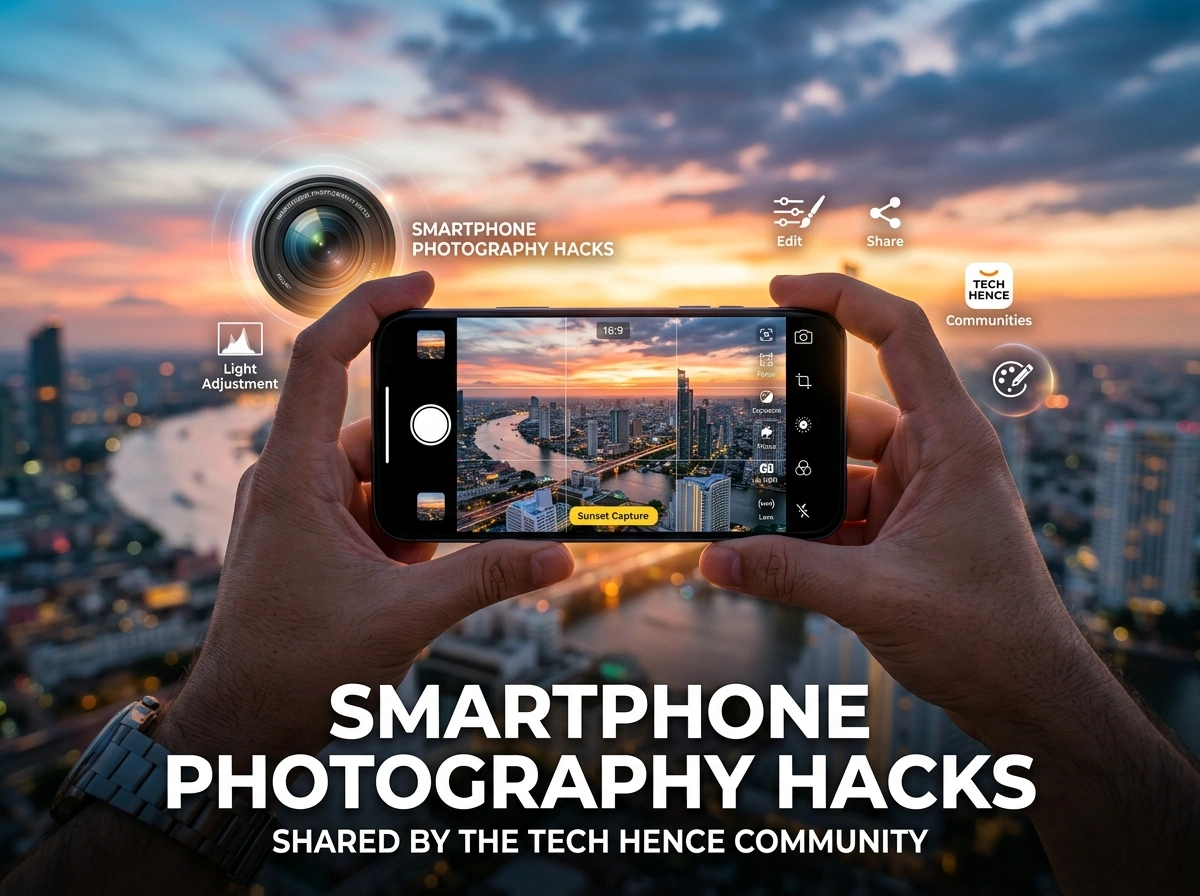
Your phone already holds one of the best cameras you own. The trick is knowing how to use it. Across the country, hobbyists and pros are proving that stunning photos don’t require expensive gear—just smart habits and a few clever techniques.
The photography enthusiasts over at tech hence have spent years testing what actually works on modern smartphones. Their shared tips cut through the noise and focus on results you can see. Below, we’ve gathered the community’s favorite hacks so you can start shooting sharper, brighter, and more creative shots today.
Master Natural Light Before Anything Else
Light shapes every photo you take. Get it right, and even a basic snapshot looks professional. Get it wrong, and no amount of editing can fully save the image.
The community’s top advice? Chase the golden hour. That soft, warm glow just after sunrise or before sunset flatters almost any subject. Skin looks smoother, colors turn richer, and harsh shadows disappear.
Avoid Harsh Midday Sun
Shooting at noon creates strong shadows and blown-out highlights. If you must shoot midday, find open shade—under a tree, an awning, or beside a building. Your photos will look far more balanced.
Use Windows as Free Studio Lighting
Indoor shots come alive near a window. Position your subject so soft daylight hits them from the side. This simple move adds depth and dimension without any extra equipment. Members of the tech community swear by this hack for portraits and product shots alike.
Nail Composition With Proven Rules
Great composition guides the viewer’s eye and makes photos feel intentional. You don’t need an art degree—just a few reliable guidelines.
Turn On Your Grid Lines
This is the single most recommended setting in the community. Head to your camera settings and enable the grid. You’ll see two horizontal and two vertical lines that split your screen into nine equal parts.
Place your main subject where these lines cross. This “rule of thirds” instantly makes shots more dynamic than centering everything. The grid also helps you keep horizons straight, which is a small detail that separates amateur photos from polished ones.
Look for Leading Lines
Roads, fences, railings, and shadows can pull the eye toward your subject. Community photographers use these natural lines to add depth and direction. Next time you shoot, scan the scene for lines that point somewhere interesting.
Frame Within a Frame
Shoot through doorways, arches, or tree branches to add layers to your image. This technique creates a sense of place and draws attention to your focal point.
Get the Most From Portrait Mode
Portrait mode blurs the background while keeping your subject sharp, mimicking the look of a professional lens. Newer phones do this remarkably well, but a few habits improve results.
Stand a few feet from your subject and make sure there’s real distance between them and the background. The greater the separation, the more natural the blur looks. Avoid busy backgrounds with lots of bright spots, since the effect can look artificial around fine edges like hair.
The tech community also recommends checking the depth slider after you shoot. Many phones let you adjust the blur intensity later, so you can dial it in until it feels just right.
Conquer Low Light With Night Mode
Dim settings used to spell disaster for phone cameras. Not anymore. Night mode combines several exposures into one bright, detailed image.
The key is staying still. Night mode needs a few seconds to capture enough light, so any movement causes blur. Brace your elbows against your body, lean on a wall, or better yet, use a small tripod.
Try a Cheap Tripod or Prop
Community members love compact phone tripods that cost just a few dollars. When one isn’t handy, a stack of books, a ledge, or a car hood works fine. Steady support unlocks crisp night shots, star trails, and glowing city scenes.
Don’t Rely Only on Flash
The built-in flash often flattens images and washes out skin tones. Instead, seek out ambient light—streetlamps, neon signs, or candlelight—and let night mode do the heavy lifting.
Expand Your Reach With Lens Attachments
Clip-on lenses are an affordable way to stretch your creativity. They snap right onto your phone and open up new perspectives.
- Wide-angle lenses capture sweeping landscapes and tight interiors.
- Macro lenses reveal tiny details in flowers, insects, and textures.
- Telephoto lenses bring distant subjects closer without heavy digital zoom.
The community’s advice: buy a well-reviewed set rather than the cheapest option. Quality glass makes a real difference in sharpness and color. Clean the lens before each shoot, since smudges are the number one cause of hazy photos.
Edit Like a Pro With the Right Apps
Editing is where good photos become great. The goal is to enhance what’s already there, not to overhaul the image until it looks fake.
Community Favorite Editing Apps
- Snapseed offers powerful tools for free, including selective adjustments and healing.
- Lightroom Mobile delivers precise control over color, exposure, and shadows.
- VSCO provides tasteful filters and film-inspired presets.
Start with small tweaks. Adjust brightness, boost contrast slightly, and fine-tune the white balance. Then push saturation just enough to make colors pop without looking unnatural.
Shoot in RAW When You Can
Many phones let you capture RAW files, which hold far more detail than standard JPEGs. This gives you more room to recover shadows and highlights during editing. It’s a favorite trick among the more advanced members of the community.
Clean Your Lens Every Single Time
This hack sounds obvious, yet it’s the one people forget most. Your phone lives in pockets, bags, and hands, so it collects fingerprints and dust fast. A quick wipe with a soft cloth before shooting keeps your images clear and sharp. It costs nothing and takes two seconds.
Practice the Burst and Timer Tricks
For moving subjects—kids, pets, or sports—hold the shutter to fire off a burst of shots. You’ll catch the perfect moment and delete the rest. For steady group photos, use the timer to avoid camera shake from tapping the screen.
Bringing It All Together
Great smartphone photography comes down to small, repeatable habits. Chase good light, mind your composition, steady your hands in the dark, and edit with a light touch. None of these hacks require pricey gear—just attention and a little practice.
The techniques shared by the Tech Hence community prove that the best camera really is the one in your pocket. Start with one or two tips on your next outing, then build from there. Before long, friends will be asking which camera you used—and you’ll get to tell them it was your phone all along.
Pick up your device, head outside, and put these hacks to work. Your best shot is waiting.
